



Pozadavky: Android 2.2 a vyssi
Popis: 3D STL Viewer
Screen:
Vice info:
Kód: Vybrat vše
https://play.google.com/store/apps/details?id=com.afanche.android.ATView3DKód: Vybrat vše
http://www.directmirror.com/files/A8XJ6CNK
http://www.embedupload.com/?d=83HUBPMRIOSTL is one of the most popular 3D data file formats. It is a de facto industry standard for transferring models between 3D programs. The file format is open and has been adopted by many 3D graphics application vendors.
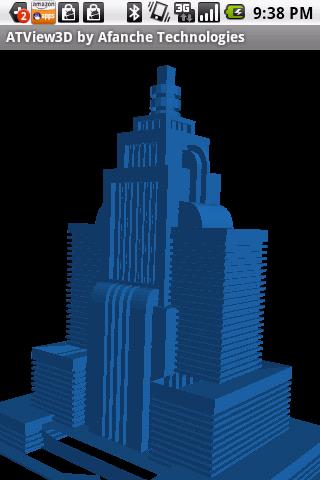
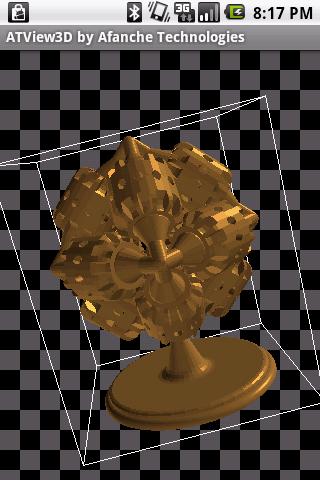
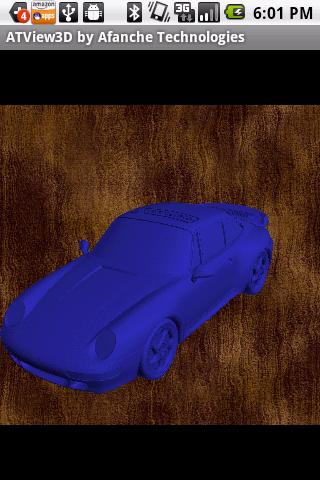
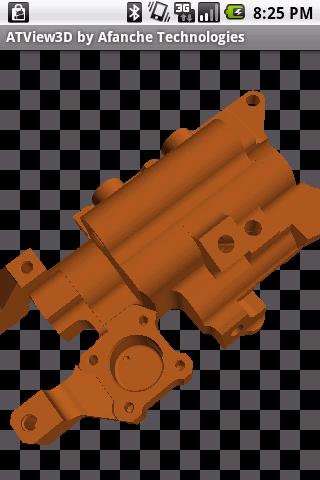
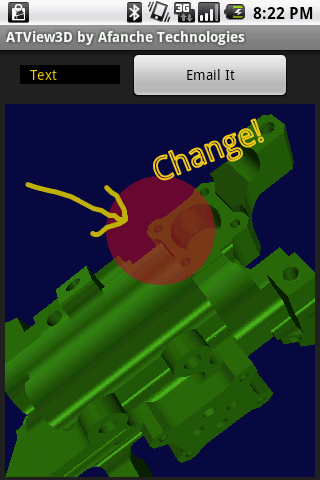
The App provides many 3D features including rotating model with finger movement, zooming in/out, changing color, etc. It is so easy to control it. You will love the way your model looks.
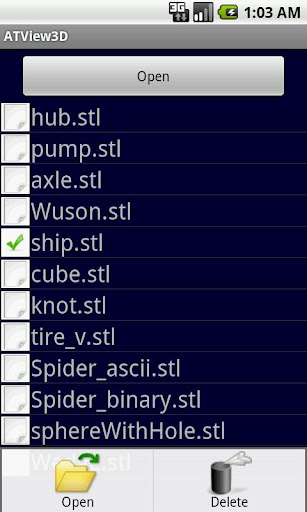
The app accepts STL files in both ASCII and binary format. 3D model files can be added to the app's external storage folder called 'afanche'. Just connect your phone with a PC and copy stl files to the 'afanche' folder of the phone. After that, you can use the app to load the models you saved in the directory. You can also use the app to open stl files from email(attachment) or web (by downloading). If you don't need some of the models anymore, you can use the app to delete them. If you need to share your model with your partners, you can use the in-app email feature to send your model out as email attachment.
The app is part of ATView3D 3D visualization tool family developed by Afanche Technoologies. If you need Android, iPhone, iPad, Windows app for other 3D file formats, please search 'Afanche' to find more 3D oriented apps. Afanche Technologies is a company specialized in 3D technologies. Afanche provides customized 3D programming solutions for mobile, web and desktop.


