



(27,- Kc)
Pozadavky: Android 4.0 a vyssi
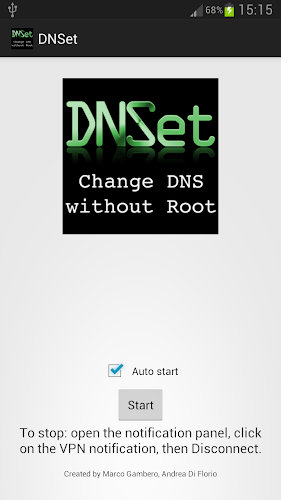
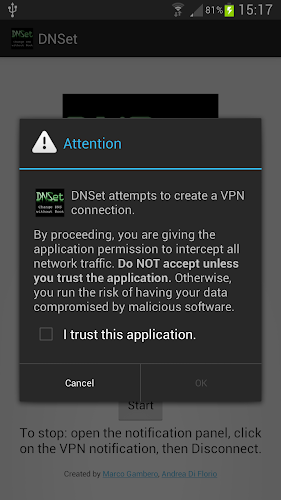
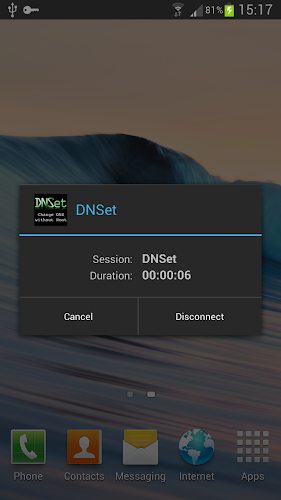
Popis: DNSet sets Google's public DNS servers (8.8.8.8, 8.8.4.4) on your device. In order to do this it creates a local VPN so you have to authorise the app once. The app quits after the VPN has been initialised, this saves space on your device's precious RAM memory.
Screen:
Video:
What's in this version:
DnSet v.1.1
* GUI: new 'auto start' checkbox: now DNSet is able to start automatically at boot time.
* New permission required for the 'auto start' feature: RECEIVE_BOOT_COMPLETED.
Pro Key v.1.2
1.2
· DNSet Pro now hides itself (moves to the back of the activity stack) after you press the "Start" button
· Minor GUI changes
Vice info:
Kód: Vybrat vše
https://play.google.com/store/apps/details?id=com.dnset
https://play.google.com/store/apps/details?id=com.dnsetproKód: Vybrat vše
http://uloz.to/xtaSyKTd/dnset-v-1-1-prokey-v-1-2-zip
http://www19.zippyshare.com/v/45844204/file.html
https://webshare.cz/file/1823s56z70/dnset-v-1-1-prokey-v-1-2-zip
★ DNSet works both on Wi-Fi and 3G.
★ WARNING: the app may not work properly on Android 4.4+ due to a known system bug which we are not responsible for. We're sorry for the inconvenience.
DNSet sets Google's public DNS servers (8.8.8.8, 8.8.4.4) on your device. In order to do this it creates a local VPN so you have to authorise the app once. The app quits after the VPN has been initialised, this saves space on your device's precious RAM memory.
Avoiding the ISP's DNS may help in:
* Bypassing restrictions on certain websites
* Speeding up your browsing experience
DNSet is able to start automatically at boot time. Enable the 'auto start' checkbox and a notification will appear every time you turn on your device. Just click on the notification, authorise the app et voilà, Google's DNS servers will be in use.


