



(Trial limitations are removed!!)
Pozadavky: Android 2.1 a vyssi + ROOT
Popis: MirrorOp is NOT Miracast but has similar function:
MirrorOp Sender is an app that can MIRROR your Android screen to a MirrorOp Receiver through WiFi or USB. Meanwhile, you can use the MirrorOp Receiver to control the sender by Mouse/Keyboard/Touch. MirrorOp Receiver is available on many kinds of platforms: Android, Windows, iOS, some specific projectors, TVs, or boxes.
Screen:
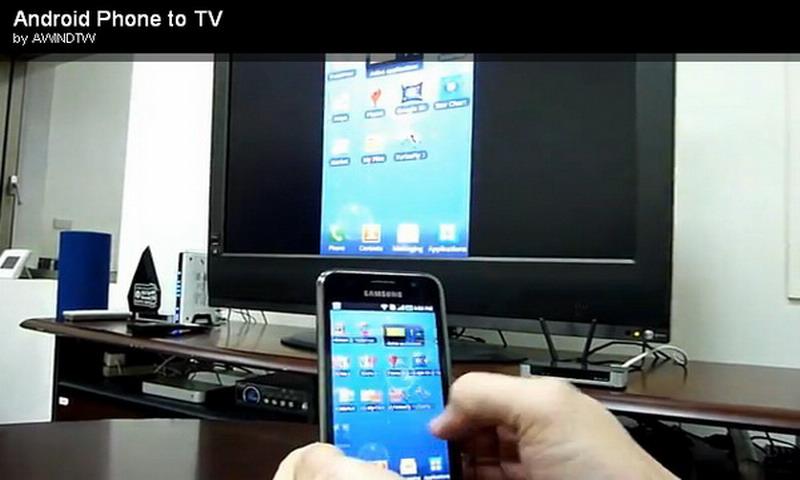
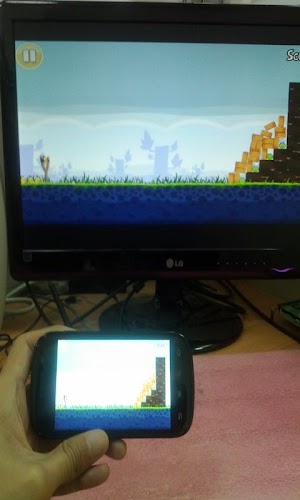
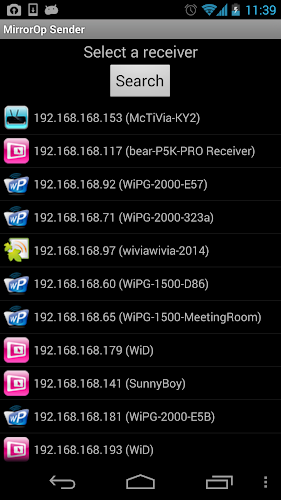
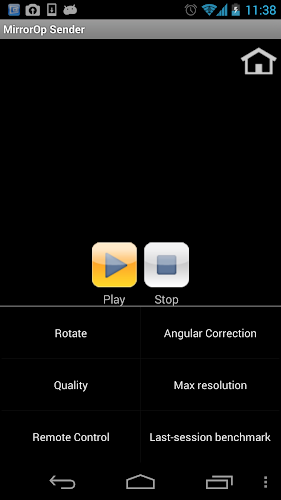
Video:
What's in this version:
Kód: Vybrat vše
http://www.mirrorop.com/sphone2tv/ReleaseNote.txtFix:
1. Failed to use h.264 hardware encoder on Galaxy Tab 8.
2. Can not return to app when pressing notification during mirroring on Nexus 5.
Change:
New:
1. Show clickshare icon if clickshare device is found.
Vice info:
Kód: Vybrat vše
https://play.google.com/store/apps/details?id=com.awindinc.sphone2tvKód: Vybrat vše
http://uloz.to/x5q7m4eW/mirrorop-sender-full-v1-1-4-8-4allmobile-eu-apk
http://www74.zippyshare.com/v/15003160/file.html1. Make sure your Android device is rooted.
2. Download (from Android Market) and install the MirrorOp Sender on your Android device.
3. Download the Windows version of MirrorOp Receiver from above site, and install it!
4. Make sure your Android device and the PC connect to the same WiFi network.
5. Run the Receiver application from your PC.
6. Run the Sender application from your Android device.
7. It will automatically search the receiver and you can start to mirror the screen of your phone/tablet to the receiver!
8. You can also use mouse or keyboard to control back your android phone/tablet from Windows.
Mirror Over USB
Some users asked how to connect through USB cable from Android to PC. Please follow the steps if your phone/tablet support USB tethering function:
1. Connect your android device and PC through a USB cable.
2. Open the USB tethering (sharing) function on your android device,(You may need to refer to your phone guide to know how to turn on it.),and then the computer will
automatically install a NDIS driver (if you haven't installed itbefore).
3. Open the Windows Receiver.
4. Launch the Android MirrorOp Sender and it will search the windows receiver.
5. Select it, start to use and you can control back from your PC.
Rotation
The sender can support rotation. The orientation on your hand is the mirror orientation on the receiver side (What you see is what you get.). Besides, you can fix or correct the angle in the MENU.
Can Not Support AUDIO MIRRORING
Due to the Android framework limitation, the sender can not mirror audio. If Android start to provide the standard Audio Capture interfaces, we will immediately support it.
WARNING
Android is an open system, so there are many display/frame-buffer designs for various kinds of devices. Therefore, we can't guarantee our MirrorOp Sender can run on all the android devices without any problem. The MirrorOp sender needs to access frame buffer so you must root your android device on the most cases. However, we still found there are some devices we can run on without rooting.
You can search in google to know how to root your android device using the keywords like: "how to root [Your Android device Model]". For example: "how to root Galaxy S4", "how to root HTC new ONE", etc... However, the root process may be dangerous so please be careful and do it at your own risk.


