


143,-Kc
Požadavky: Android 4.0 a vyšší
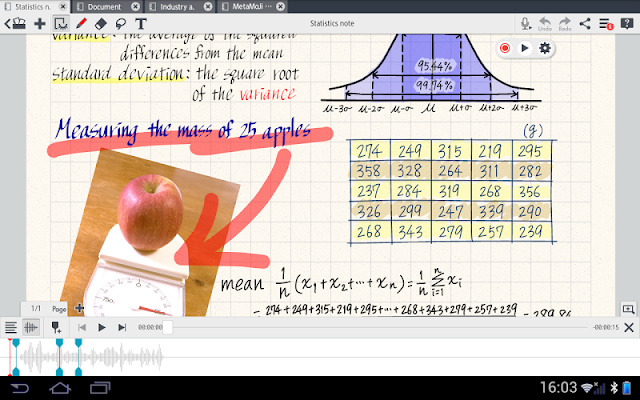
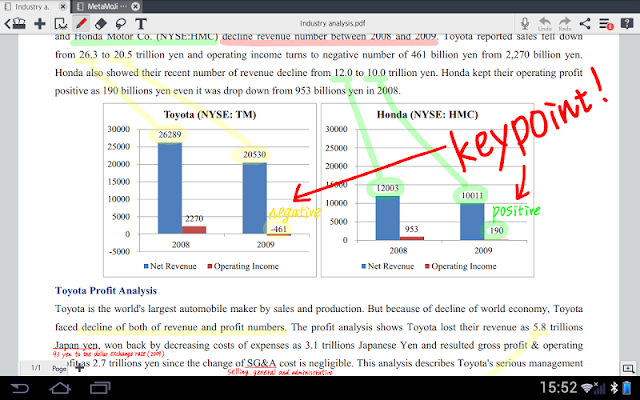
Popis: MetaMoJi Note is a note and sketchbook app, PDF annotation tool, voice memo and digital scrapbook for your life. Capture your ideas anytime with quick voice recordings, advanced handwriting recognition and handwriting to text conversion, or annotate Office and PDF documents.
Screen:
Vice info:
Kód: Vybrat vše
https://play.google.com/store/apps/details?id=com.metamoji.noteanytime2Kód: Vybrat vše
http://uloz.to/xwmTesZa/metamoji-note-v3-0-1-0-www-4allmobile-eu-apk
http://ulozto.sk/x1JrMjzx/metamoji-note-v3-0-1-0-www-4allmobile-eu-apk
https://webshare.cz/#/file/10s5Ho63p3/metamoji-note-v3-0-1-0-www-4allmobile-eu-apk
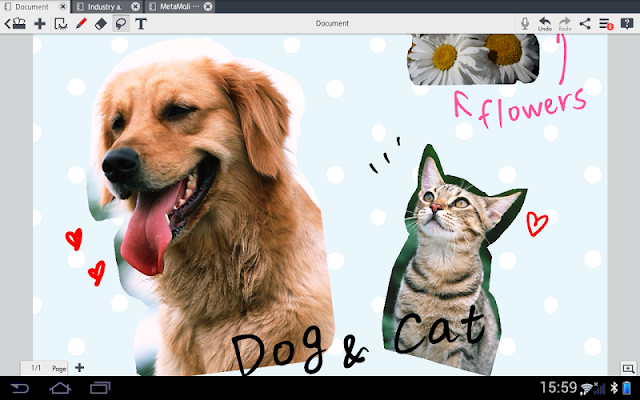
MetaMoJi Note is a note and sketchbook app, PDF annotation tool, voice memo and digital scrapbook for your life. Capture your ideas anytime with quick voice recordings, advanced handwriting recognition and handwriting to text conversion, or annotate Office and PDF documents. Use the app as a high resolution sketchbook with a vast color wheel palette, pastel colors and advanced calligraphy pens. MetaMoJi Note is a virtual whiteboard for sketching, annotation, scrapbooking or digital mashup of notes and voice.
MetaMoJi Note is the only note-taking app available across all major mobile platforms – iOS, Android and Windows. Winner of multiple awards: Tabby Award for Best Personal Productivity App - Silver Stevie® Award for International Business - Finalist for Appy Award for Productivity - #1 Productivity App in Japan
Key Features
• Write, sketch or draw notes with a variety of pens, paper layouts and graphics, including calligraphy pens and inks
• Scale your document up to a whiteboard or down to a sticky note while still maintaining 100% visual integrity
• Import a PDF file, mark it up as needed, and save it as another PDF file
• Share creations by email or upload to Twitter, Facebook or Tumblr
• Easy file storing and sharing via Google Drive, Evernote and Dropbox
• Sync all folders to the MetaMoJi Cloud, a cloud service that allows you to save and manage your documents (up to 2GB for free)
• Save drawings as individual JPEG graphics in the items library for later use
• Interactively browse the web from within the app and mark up sites
• Built-in spell checker
• Smart cropping tool vastly extends photo editing
MetaMoJi Note Lite is free to download and use. This version, MetaMoJi Note is a paid app, has the great features above, along with the following advanced capabilities:
• Grab your great ideas quickly with voice memos which you can tag to your visual content – convenient audio editing features allow you to index voice cues to any document or part of a document – even drawings, annotated graphics or PDF documents.
• Password protect your notes to ensure your information is kept safe
• Advanced pen styles including highlighters, fountain pens and brushes
• Enhanced Jump functions allow for you to assign visual points to easily navigate around complex compositions while you are presenting
• Shapes tool provides editable shapes
• Import images, graphics and Microsoft Office files via Google Drive
• Gold Service is a premium add-on that allows you to make advanced use of the MetaMoJi Cloud and the app itself. It includes:
- The Shared Drive capability allows co-editing of documents
- Auto sync intervals to ensure your notes are always backed up
- Additional storage for the MetaMoJi Cloud
- Unlimited access to optional inks, premium items, papers and note styles
• Premium feature: Handwriting Recognition - mazec (13 languages) - converts handwritten text to typed text on the fly or later with this conversion engine.
Here are some ways to use MetaMoJi Note for your personal and business life:
• Generate quick notes and to-do lists, add voice memos and tag for easy retrieval later
• Capture and markup website pages
• Sketch drawings for illustrating lesson plans
• Mark up and sign contracts and critical business documents in PDF form
• Use as an interactive whiteboard to brainstorm and present during team meetings
• PDF and photo annotation
• Review/edit documents and share feedback through email
• Draw a mind map or flowchart of ideas and assign audio files


