


114,-Kc
Požadavky: Android 2.3 a vyšší
Popis: Snap Pad only works on Samsung devices since it uses Samsung S-Pen SDK.
Screen:
Vice info:
Kód: Vybrat vše
https://play.google.com/store/apps/details?id=com.flyingbusstudio.snappad Kód: Vybrat vše
http://ulozto.cz/xWmhLEZu/snap-4allmobile-eu-apk
http://ulozto.net/xfxP3nJM/snap-4allmobile-eu-apk
https://webshare.cz/file/2qV1Pm1545/snap-4allmobile-eu-apk
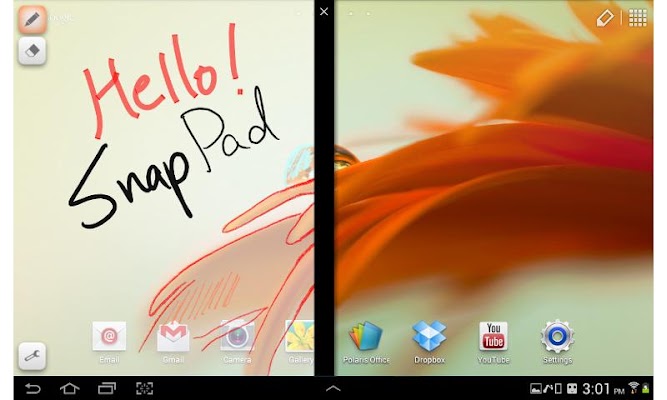
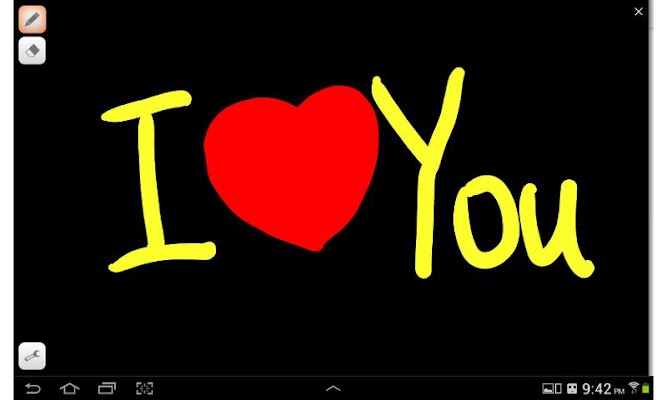
Snap Pad is a scratch pad app which can be opened by simple touch.
1. Intro
We usually think things that are between these two.
1) Too important that must be made to memo and will be read again
2) Not important as doodlings
So then where do you put your moderately important, temporary thinkings?
If you want to organize your thoughts or want to write down sparkling ideas quickly, then simply use Snap Pad.
- A scratch pad comes out when you drag the snap region.
You don't need to save, open, rename things.
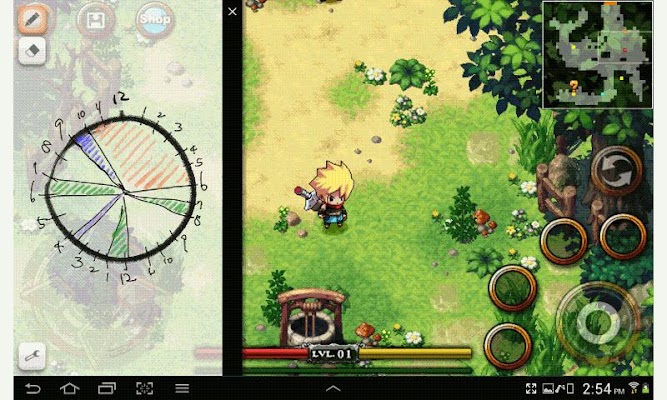
- You can open it while using other apps.
Even when you are playing games or browsing the web, you can open and expand the size as you wish.
2. Features
- It supports Samsung Galaxy Note S-Pen.
Stroke thinkness will change as pressure changes if you use S-Pen.
- Your contents will be preserved.
It will remain as it was even you quit the app unless you use eraser.
3. Etc
- More pen and eraser options will come out when you press again or long press selected buttons. (Pen selection, Erase all, etc..)
- Pen and eraser mode changes in turn when you press S-Pen button on hovering
- You can configure background color and opacity values.
- Snap pad will be collapsed when you double tap the black size control bar.
- Orange box will be hidden when you use other apps. Of course Snap Pad will work continually.
- The difference between full version and free version is only the ads.
If you don't like ads or you would like to donate, please buy the full version.
- FlyingBus Studio's another app Snap Desk is available.
Snap Pad and Snap Desk are similar but main targets are different.
If you want to write memo quickly for idea sketch or doodling, use Snap Pad. Or if you want to write several memo and manage them, use Snap Desk.
Both are from same developer, and both will be updated continually.


