


Požadavky: Android: liší se dle zařízení (upper versions)
Popis: EBookDroid is an open source (GPL'ed) document viewer for Android based on the VuDroid code base.
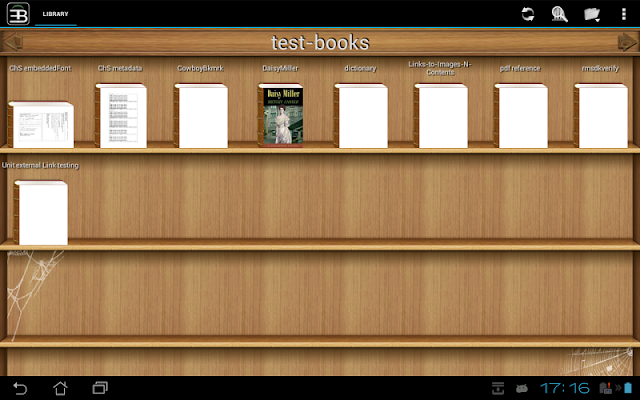
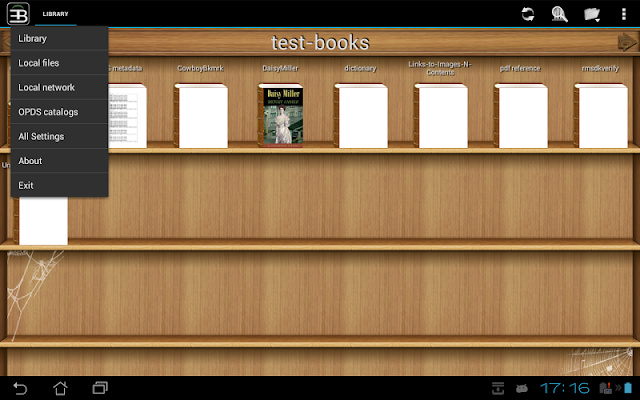
Screen:
Vice info:
Kód: Vybrat vše
https://play.google.com/store/apps/details?id=org.ebookdroid&hl Kód: Vybrat vše
http://ulozto.cz/xgTnEefV/ebookdroid-4allmobile-eu-apk
http://ulozto.net/xCKVFhkh/ebookdroid-4allmobile-eu-apk
https://webshare.cz/file/2264g93gt1/ebookdroid-4allmobile-eu-apk
EBookDroid is a highly customizable document viewer for Android.
EBookDroid supports the following ebook and document formats: DjVU, PDF, XPS (OpenXPS), FictionBook (fb2 and fb2.zip), Comics Book formats (cbr and cbz), plus - starting with version 2.0 - EPUB and RTF.
EBookDroid provides flexible font mapping for PDF documents:
- If an external font is found in the same folder with document, this font will be applied.
- Also, user can define a list of directories (/sdcard/fonts by default) where external fonts can be found.
- If an external font in a PDF document has the same family name as one of the font found in these directories, the found font will be applied.
- Otherwise, the appropriate NimbusL font will be used.
EBookDroid 2.0 provides the following extra tools:
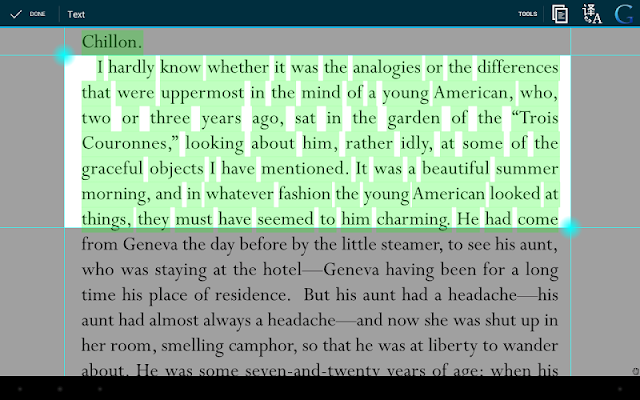
- Text selection and external dictionary support.
- Text highlighting
- Free-hand annotations.
- Text notes and page notebooks.
EBookDroid allows you to customize the way you read on a per book basis: each document's layout can be tailored to give you the best reading experience and all settings will be remembered the next time you will open it.
Whatever your document, be it a two-faced xerox, a book with wide asymmetric margins or a multi-column article, EBookDroid provides you with features to split pages, automatically or manually crop margins and instantly zoom to a column's content. Please refer to the Wiki section of the developers' website for further instructions on how to use such features (don't forget to read the FAQ).


