



(27,- Kc)
Pozadavky: Android 2.2 a vyssi
Popis: I present to you Simplity Theme for GO\Next\Apex\Nova Launcher's.
The Theme has been in pastel minimalist style.
Screen:
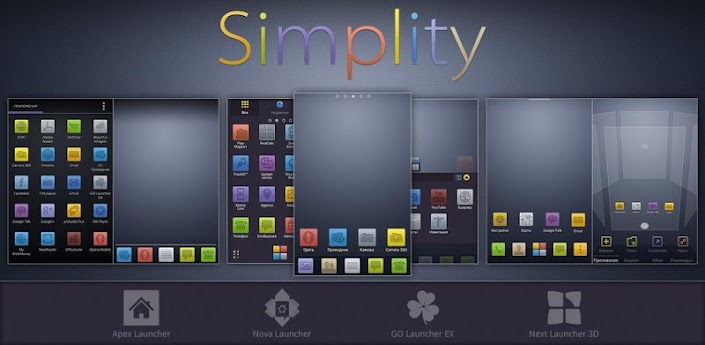
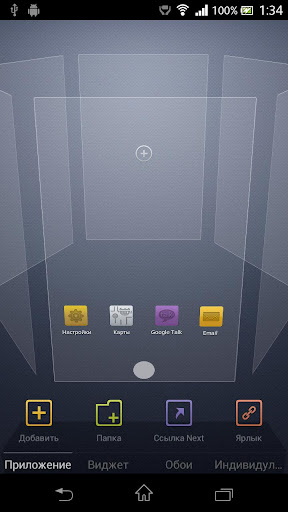
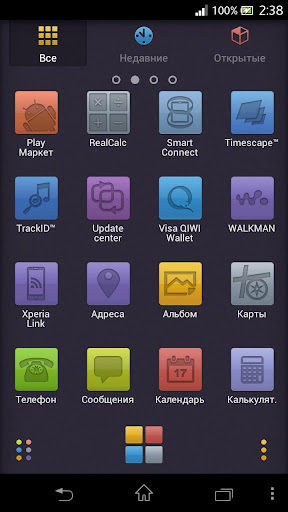
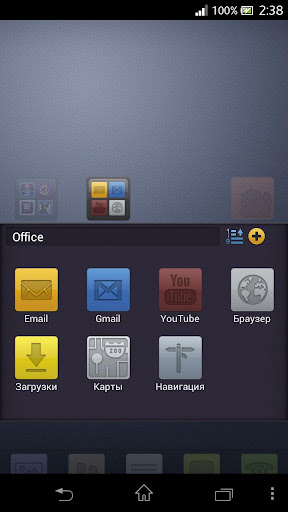
What's in this version:
v1.2.3
fixing
v1.2.2
Supported Next Launcher v1.17
Vice info:
Kód: Vybrat vše
https://play.google.com/store/apps/details?id=ru.evgeshea.go.launcherex.theme.hd.simplityKód: Vybrat vše
http://uloz.to/xZHV3bw/nova-v1-2-3-apk
https://mega.co.nz/#!gR4RSB6b!IdAfjnOn3gfGLb_xF1J-Wg-XTj9Z76EN12UAD3dyAgM
http://www36.zippyshare.com/v/70449381/file.htmlIf you do not work theme please contact me with the version number Next Launcher and Android version (4.0.4 or 4.1)
— Full support for HD (720x1280) and Full HD (1080x1920) resolution
— 410+ HD icons
— 20 Full HD wallpapers
— 5 wallpapers for app menu*
— Special interface menu, and folder interface*
— Dock*
— Font
— Special wallpapers interface
— Supports the installation on SD-card by default
*— only for GO Launcher EX
Tags: next launcher; next launcher theme; next theme; com.gau.go.launcherex; GO Launcher Ex Theme; go theme; go launcher; go launcher theme; go launcher ex theme; apex; apex theme; apex launcher; nova; nova theme; nova launcher theme
How to select a font within GO Launcher EX:
1. Home Screen -> Open Menu
2. Select "Preferences" -> "Visual Settings"
3. "Font" -> "Scan font" -> "Select font"
How to install Next Launcher:
1. Find app Next Launcher, install and run
2. Install this theme
3. Return to the main screen
4. Menu, select Individual->Installed to find a theme Simplity select apply
How to install GO\Apex Launcher:
1. Find app GO\Apex Launcher, install and run
2. Install this theme
3. Return to the main screen
4. Press Menu, select the "Themes" to find a theme Simplity select and press apply


