Device Frame Generator
Napsal: 27. 05. 2013 18:53
Device Frame Generator v1.0.3
(20,- Kc)
Pozadavky: Android 4.0 a vyssi
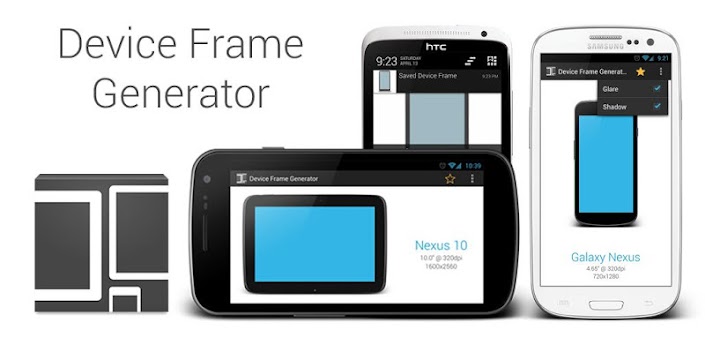
Popis: The device frame generator allows you to quickly wrap your app screenshots in real device artwork. This provides better visual context for your app screenshots on your web site or in other promotional materials.
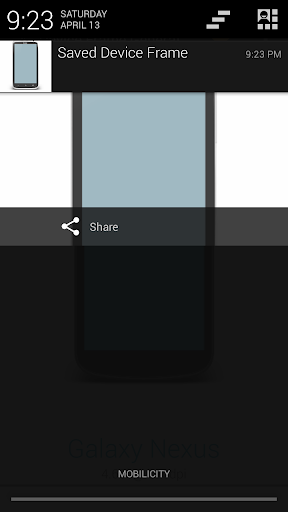
In addition to using the application to generate screenshots, you can generate screenshots using the share menu from any gallery application.
Screen:
Video:
[youtube][/youtube]
What's in this version:
* Show in-app notifications
* Receive images from apps other than the Gallery
* Add an About dialog
Vice info:
Stahuj zde:
Device Frames Available
* Nexus S : 480*800
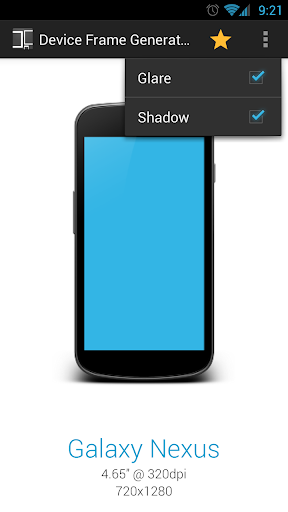
* Galaxy Nexus : 720*1280
* Nexus 4 : 768*1280
* Nexus 7 : 800*1280
* Nexus 10 : 1600*2560
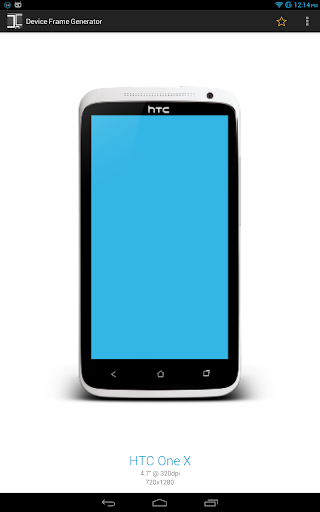
* HTC One X : 720*1280
* Samsung Galaxy Note : 800*1280
* Samsung Galaxy S III : 720*1280
* Samsung Galaxy Tab 2 : 600*1024
* Motorola Xoom : 800*1280
The app scales the screenshots to the device size, so as long as the aspect ratios of the screenshot and device match, you should be able to use the device.
Permissions
WRITE_EXTERNAL_STORAGE
For saving images to your phone, as well as opening screenshots.
(20,- Kc)
Pozadavky: Android 4.0 a vyssi
Popis: The device frame generator allows you to quickly wrap your app screenshots in real device artwork. This provides better visual context for your app screenshots on your web site or in other promotional materials.
In addition to using the application to generate screenshots, you can generate screenshots using the share menu from any gallery application.
Screen:
Video:
[youtube][/youtube]
What's in this version:
* Show in-app notifications
* Receive images from apps other than the Gallery
* Add an About dialog
Vice info:
Kód: Vybrat vše
https://play.google.com/store/apps/details?id=com.f2prateek.dfgKód: Vybrat vše
http://uloz.to/x2NLroKw/device-frame-generator-v1-0-3-apk
https://mega.co.nz/#!LJgCFbxB!NeYpGSORuy-Srv7bGFGjEC58kPka2VabsQdC3wYYra8
http://www15.zippyshare.com/v/94752549/file.html* Nexus S : 480*800
* Galaxy Nexus : 720*1280
* Nexus 4 : 768*1280
* Nexus 7 : 800*1280
* Nexus 10 : 1600*2560
* HTC One X : 720*1280
* Samsung Galaxy Note : 800*1280
* Samsung Galaxy S III : 720*1280
* Samsung Galaxy Tab 2 : 600*1024
* Motorola Xoom : 800*1280
The app scales the screenshots to the device size, so as long as the aspect ratios of the screenshot and device match, you should be able to use the device.
Permissions
WRITE_EXTERNAL_STORAGE
For saving images to your phone, as well as opening screenshots.