(20,- Kc)
Pozadavky: Android 1.6 a vyssi
Popis: Welcome to BusyBox for Non-Rooted Devices by Jared Burrows
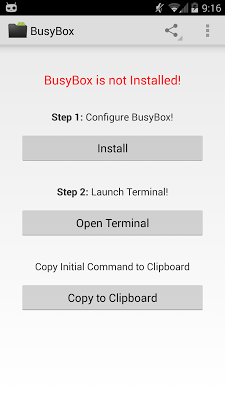
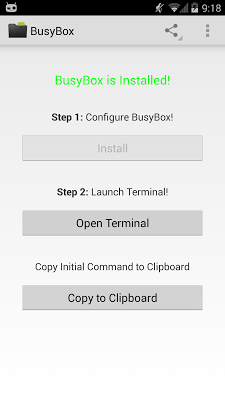
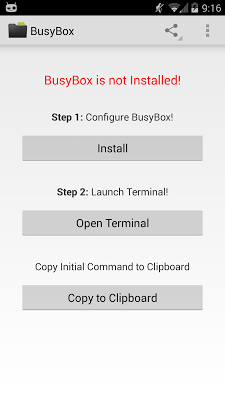
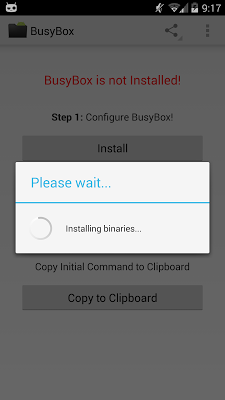
Screen:
What's in this version:
- Fixed Symlink Problem with BusyBox - not working for previous users
- New: export PATH=$PATH:/data/data/burrows.apps.busybox/app_busybox/
- Old: export PATH=$PATH:/data/data/burrows.apps.busybox/app_busybox/busybox
- Renamed from "BusyBox Non-Root" to "BusyBox"
- Changed layout - easier to use
- Fixed Security Exception - crash
- Added Button - to copy the "export PATH" to clipboard
- Added TextView - shows whether BusyBox is installed or not
- Clear Steps
Vice info:
Kód: Vybrat vše
https://play.google.com/store/apps/details?id=burrows.apps.busybox.paidKód: Vybrat vše
http://uloz.to/xazvCASA/busybox-non-root-pro-v2-6-4allmobile-eu-apk
http://www76.zippyshare.com/v/56844926/file.html✔ Android Terminal Emulator Application
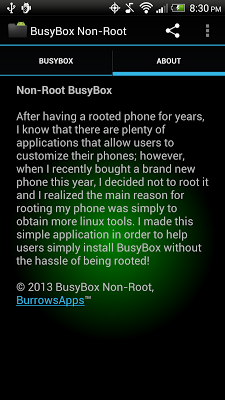
After having a rooted phone for years, I know that there are plenty of applications that allow users to customize their phones; however, when I recently bought a brand new phone this year, I decided not to root it and I realized the main reason for rooting my phone was simply to obtain more linux tools. I made this simple application in order to help users simply install BusyBox without the hassle of being rooted!
All binaries are installed in: /data/data/burrows.apps.busybox/app_busybox/
In Terminal Emulator, Preferences: Initial command: export PATH=$PATH:/data/data/burrows.apps.busybox/app_busybox/
Provided extra Binaries:
✔ add-property-tag
✔ backup
✔ bash
✔ btool
✔ check-lost+found
✔ dexdump
✔ drm1_func_test
✔ hcidump
✔ hcitool
✔ iwmulticall
✔ latencytop
✔ librank
✔ micro_bench
✔ multitouch
✔ nano
✔ opcontrol
✔ openvpn
✔ oprofiled
✔ procmem
✔ procrank
✔ rawbu
✔ run_backup
✔ run_restore
✔ sane_schedstat
✔ scheduler
✔ scp
✔ showmap
✔ showslab
✔ sqlite3
✔ ssh
✔ ssmgrd
✔ strace
How to use BusyBox Non-root:
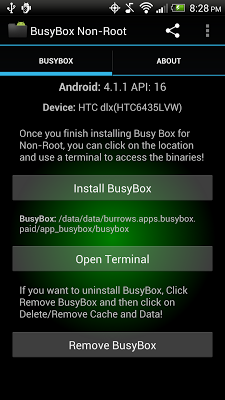
✔ Step 1: Click on "Install" to install BusyBox
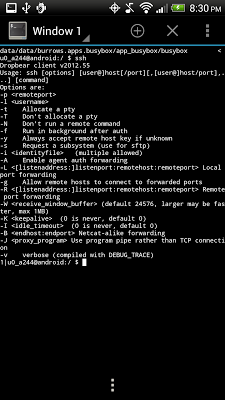
✔ Step 2: Open your Terminal and change directory to the path!
Permissions requested:
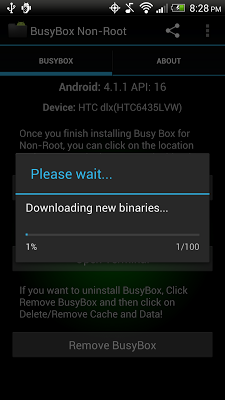
✔ Internet: Download BusyBox (make sure you are on WiFi!)
✔ Script: Add PATH to Terminal