



(20,- Kc)
Pozadavky: Android 2.2 a vyssi + ROOT
Popis: Assistive Zoom Pro allows you to use only one finger to complete pinch to zoom with additional premium features.
Screen:
What's in this version:
- Added Kitkat support
Vice info:
Kód: Vybrat vše
https://play.google.com/store/apps/details?id=com.kiumiu.ca.assistivezoom.proKód: Vybrat vše
http://adf.ly/dR3uQ
http://www.2shared.com/file/wJeno09c/com-kiumiu-ca-assistivezoom-pr.html
http://uloz.to/xwhD4UPv/assistive-zoom-pro-root-v1-1-2-apk
http://www66.zippyshare.com/v/10549124/file.html
https://webshare.cz/file/4gyBv3C35s/assistive-zoom-pro-root-v1-1-2-apk
http://upfile.mobi/373946
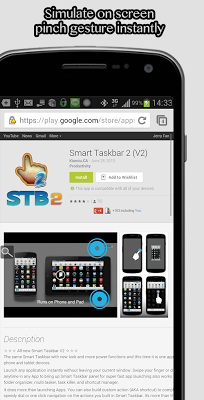
Assistive Zoom Pro allows you to use only one finger to complete pinch to zoom with additional premium features. Works on any pinch to zoom enabled App or window. Say good bye to needing both of your hands for zoom in and zoom out in browser, mail, book reader or whatever !
How many times you want to zoom in a web page but you got only one free hand? Let assistive Zoom to help you to zoom to the scale you want easily by just using one finger and one hand only.
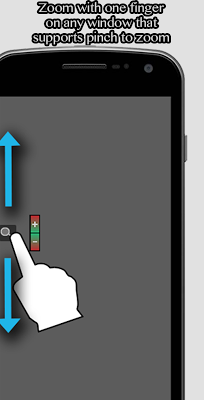
Assistive Zoom displays a small zoom button at the edge of screen. Just hold on it and move up/down to zoom in/out at precise scale according to the movement you applied. It's that easy !
[Pro Version Features]
☆ Set in which App Zoom button is shown and hidden
☆ Ads removal
☆ Double tap to zoom out all the way (To be completed)
☆ And more waiting for your suggestion
[Standard Features Also Included In This Version]
☆ Works in any pinch to zoom enabled window
☆ Floating trigger button can be disabled/enabled at anytime
☆ Control scale ration at finest level
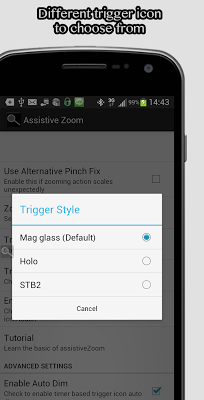
☆ 3 styles of trigger icon to choose from
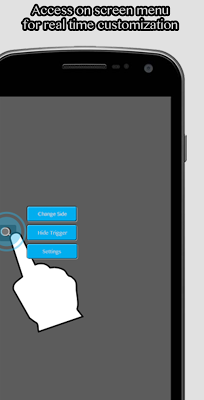
☆ Customizable triggering and zooming options
☆ Works from Froyo (2.2) to latest Jelly Bean (4.2)


