



(Pro features are enabled!!)
Pozadavky: Android 2.2 a vyssi
Popis: EVER THOUGHT OF ADDING MORE MULTIWINDOW & PEN WINDOW APPS WITHOUT HAVING TO ROOT YOUR DEVICE AND STILL MAINTAIN YOUR DEVICE WARRANTY? THEN THIS APP IS FOR YOU!
This app is only compatible with Samsung Touchwiz devices with multiwindow and/or pen window features.
Screen:
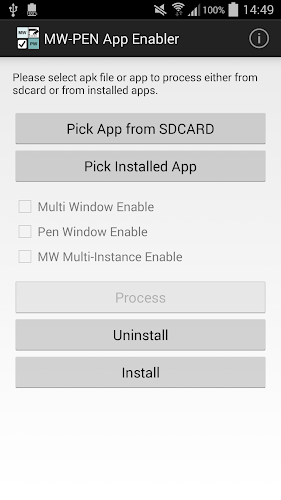
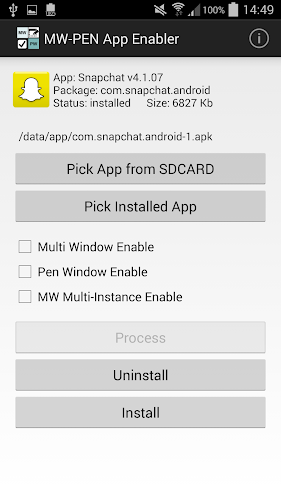
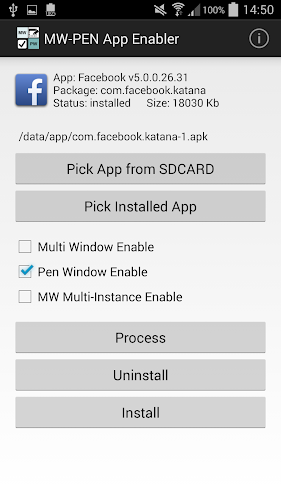
What's in this version:
- na GP se neuvadi
Vice info:
Kód: Vybrat vše
https://play.google.com/store/apps/details?id=mobi.xperiacle.multiwindow.enableKód: Vybrat vše
http://ul.to/rvyteg3y
http://unlimitzone.com/f4rbtaxf07ek/MW-Pen_App_Enabler_1.1.zip.html
http://www35.zippyshare.com/v/22883172/file.html
http://www.tusfiles.net/1ahctctyg5no
http://uloz.to/xhYhLWMY/mw-pen-app-enabler-pro-v1-1-apk
http://ulozto.sk/x32mT6eW/mw-pen-app-enabler-pro-v1-1-apk
https://www.tusfiles.net/yzc65o6bnama
http://www18.zippyshare.com/v/71932849/file.html
http://unlimitzone.com/l1ei1d48phrj/MW-Pen_App_Enabler_Pro_v1.1.rar.htmlThis app is only compatible with Samsung Touchwiz devices with multiwindow and/or pen window features.
MW-Pen App Enabler is an app that enables apps for multiwindow and/or pen window without needing a rooted device.
Before you install and use the app, PLEASE read on as it is important that you understand what it does and its limitations.
It can not enable apps that are built into the device/rom which are normally referred to as system apps or apps that are located in /system folder. To do so requires a rooted device which this app is not designed for. This app does not control how multi window or pen window work and so does not guarantee that all enabled apps will work perfectly on multi window or pen window. Enabled apps can not be updated. To update, you need to uninstall the enabled app first, install the updated app and run it through the enabler app again. The bigger the app is, the longer it takes to process.
To use this app, you either pick an apk file from the sdcard if you have a backup of the app or pick from installed apps (system apps not possible), tick the options you prefer, then click process. When processing is done, the app will ask you to uninstall the target app (if it is currently installed) and then install the processed app.


