Vera Type Pro
Napsal: 11. 04. 2014 00:21
Vera Type Pro v3.2.3
(20,- Kc)
Pozadavky: Android 2.2 a vyssi
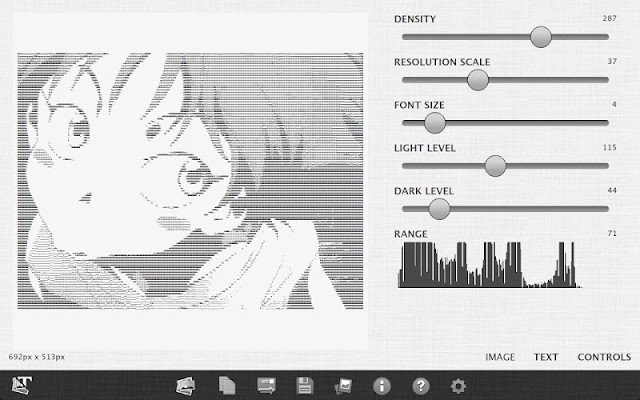
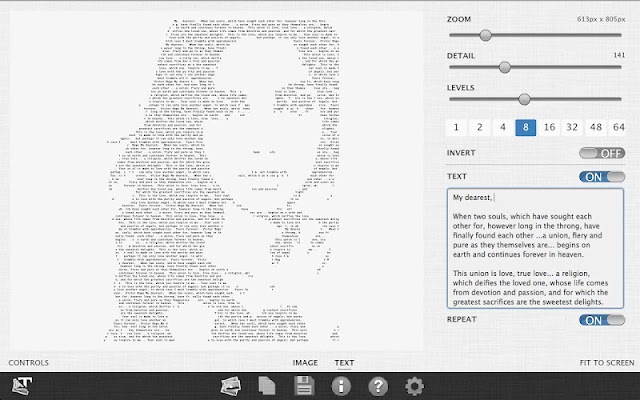
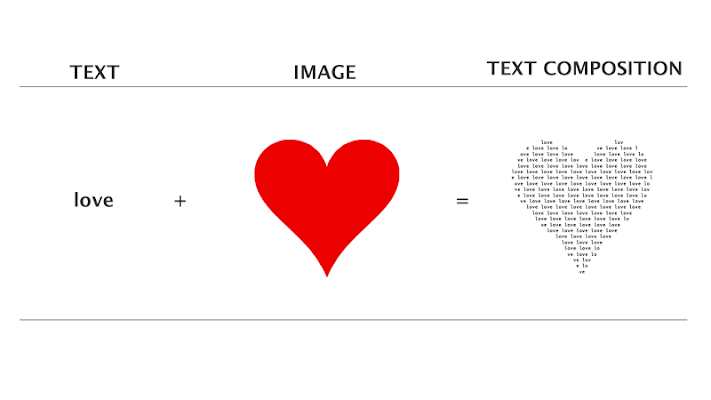
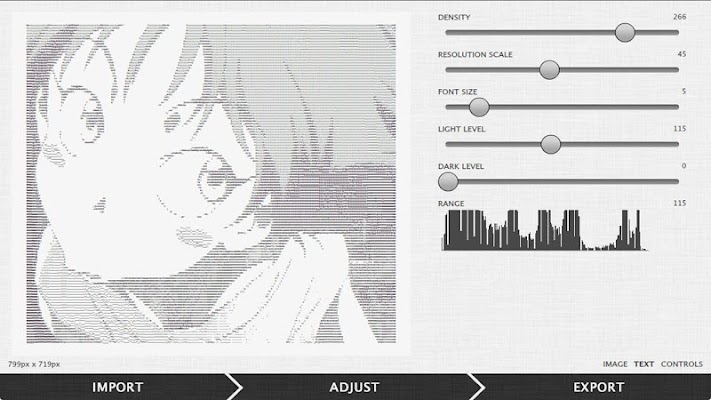
Popis: Vera Type Pro (formerly Ascii Art Maker Pro) converts images into text and text into images. See screenshots and tutorial.
This app helps you create alternative art, typography, email messages, forum, code, pictures and more. Take your favorite photos and create new and exciting text and photo art.
Screen:
What's in this version:
V3.2.3
• Added swap color scheme
• Added show background image
• Improved non-repeat rendering mode
• Fixed exported blank HTML page
• When you export images they are copied to the VeraType directory rather than the Android Camera Roll. You may need to run an app like Resync to see the images in the native Image Gallery app. This is a bug in the Image Gallery program (as of Android 4.1). You may also look at applications like QuickPic or Android File Transfer Utility to find and access your exports.
Vice info:
Stahuj zde:
Features
* Converts your selected image into text
* Converts your text into the selected image
* Adjust image levels to achieve maximum quality
* Control quality of image (characters per line)
* Adjust font size
* Set resolution scale
* Control the contrast and brightness with adjustments controls
* Save to image
* Copy to clipboard
* Share
• Email
* Open image from the image gallery
* Preview and switch between original image and text
* Dimensions in pixels, millimeters, inches and characters
* Speed improvements
Requirements
- For live editing of high density art (greater than 100 characters width) a newer phone or desktop version is recommended. If using a device with less than that lower the density or the font size to use the live editing feature. Otherwise all else is the same.
- Some images work much better than others. When converting text to an image use symbols (single color illustrations) or play around with the settings to get the best results. Use more than a few words to help "fill out" the image.
(20,- Kc)
Pozadavky: Android 2.2 a vyssi
Popis: Vera Type Pro (formerly Ascii Art Maker Pro) converts images into text and text into images. See screenshots and tutorial.
This app helps you create alternative art, typography, email messages, forum, code, pictures and more. Take your favorite photos and create new and exciting text and photo art.
Screen:
What's in this version:
V3.2.3
• Added swap color scheme
• Added show background image
• Improved non-repeat rendering mode
• Fixed exported blank HTML page
• When you export images they are copied to the VeraType directory rather than the Android Camera Roll. You may need to run an app like Resync to see the images in the native Image Gallery app. This is a bug in the Image Gallery program (as of Android 4.1). You may also look at applications like QuickPic or Android File Transfer Utility to find and access your exports.
Vice info:
Kód: Vybrat vše
https://play.google.com/store/apps/details?id=air.AsciiArtMakerKód: Vybrat vše
http://www11.zippyshare.com/v/25049855/file.html
http://unlimitzone.com/5mor16ulgid3/VeraType_(AsciiArtMaker)_v3.2.3.apk.html
http://www45.zippyshare.com/v/31780374/file.html
http://hugefiles.net/pns6vtkrdnmw
http://uloz.to/xQejH5SA/vera-type-pro-v3-2-3-apk
http://ulozto.sk/xFCaEZTd/vera-type-pro-v3-2-3-apk* Converts your selected image into text
* Converts your text into the selected image
* Adjust image levels to achieve maximum quality
* Control quality of image (characters per line)
* Adjust font size
* Set resolution scale
* Control the contrast and brightness with adjustments controls
* Save to image
* Copy to clipboard
* Share
* Open image from the image gallery
* Preview and switch between original image and text
* Dimensions in pixels, millimeters, inches and characters
* Speed improvements
Requirements
- For live editing of high density art (greater than 100 characters width) a newer phone or desktop version is recommended. If using a device with less than that lower the density or the font size to use the live editing feature. Otherwise all else is the same.
- Some images work much better than others. When converting text to an image use symbols (single color illustrations) or play around with the settings to get the best results. Use more than a few words to help "fill out" the image.