


Požadavky: Android 4..0.3 a vyšší
Popis: Google Text-to-speech Engine powers applications to read the text on your screen aloud. For example, it can be used by.
Screen:
Vice info:
Kód: Vybrat vše
https://play.google.com/store/apps/details?id=com.google.android.tts&hl=enKód: Vybrat vše
http://ul.to/v9by8u82
https://www.oboom.com/T8G36CIL
https://www.tusfiles.net/r5n3ohhphmhl
https://webshare.cz/group/mt6az63z4G/
http://ulozto.cz/xiMvVUUb/google-text-to-speech-engine-apk
http://ulozto.net/xf4J2bbD/google-text-to-speech-engine-apk
http://unlimitzone.com/5ge4mhbgtzj5/Goo ... m.apk.html• Google Play Books to “Read Aloud” your favourite book
• Google Translate to speak translations aloud so that you can hear the pronunciation of a word
• TalkBack and accessibility applications for spoken feedback across your device
• ... and many other applications in Play Store
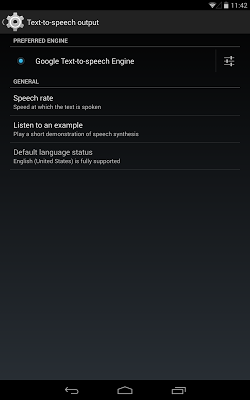
To use Google Text-to-speech on your Android device, go to Settings > Language & Input > Text-to-speech output. Select Google Text-to-speech Engine as your preferred engine. Note, on many Android devices, Google Text-to-Speech is already turned on, but you can update to the latest version here.
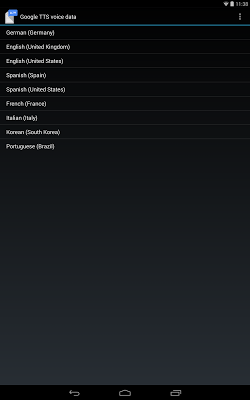
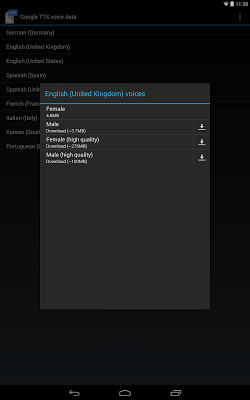
Languages supported: Dutch, English (India), English (United Kingdom), English (United States), French, German, Italian, Korean, Polish, Portuguese (Brazil), Russian, Spanish (Spain), Spanish (United States).


