



Požadavky: Android 2.2+
Popis:
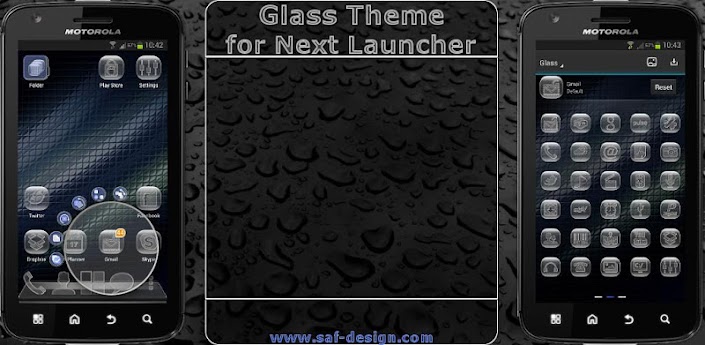
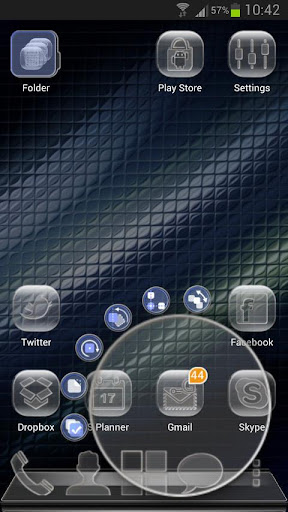
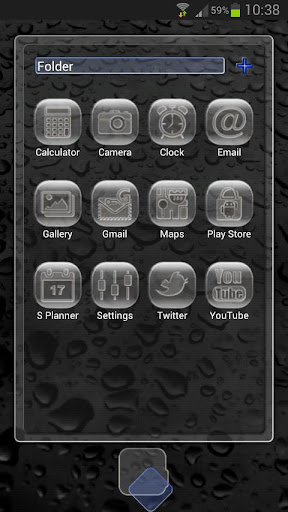
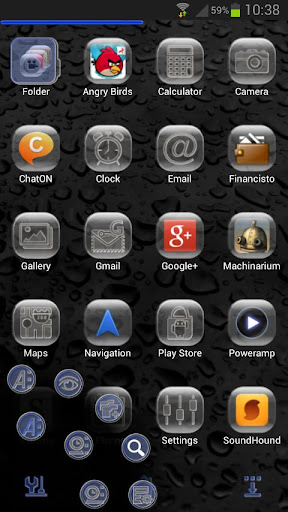
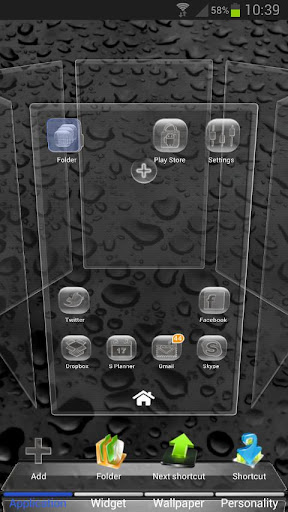
A GLASS theme with a clean design. Dark wallpaper backgrounds to choose.
APPLYING THE THEME
1) In Next Launcher press the phone menu button;
2) Select the PERSONALITY option;
3) Click on the THEME icon;
4) Select the Installed tab option;
5) From the Theme listing select the theme you´ve just download and installed;
4) Select APPLY;
APPLYING THE WALLPAPERS
1) In Next Launcher press the phone menu button;
2) Select the Wallpaper option;
3) Select the Glass Wallpapers option;
4) Select desired wallpaper and click Set Wallpaper;
What’s in this version:
Updated: Mar. 18, 2013
ANDROID 4.1+ (Jelly Beam):
To make the theme work with Jelly Beam devices, after you download and install the theme click on the OPEN button
and follow the instructions to fix the theme to appear in your theme selection screen.
Další info:
Kód: Vybrat vše
https://play.google.com/store/apps/details?id=com.gtp.nextlauncher.theme.safdesign_glassKód: Vybrat vše
http://www72.zippyshare.com/v/25875733/file.htmlKód: Vybrat vše
http://www.embedupload.com/?d=01NOB1RRCF
http://directmirror.com/files/LHVABKJZ
http://uloz.to/xCQWGxf/next-launcher-glass-theme-v1-01-apk


